Enter the annual business strategy. CourseWeaver gives your learning and talent development team a talent strategy, pinpoints the capability gaps of key roles, then takes it step by step to the course series, the outline and every course: source-cited slides with facilitator guide, handout and quiz, exported as native, editable PowerPoint.

Business strategy → talent strategy → course series → outline → course. Four levels that connect, and you can start at any of them: already have an outline? Start there. Need just one course? Start with the course.
Describe the strategy in six dimensions (goals, focus, initiatives, KPIs, AI strategy and organisation challenges) and attach your material. CourseWeaver derives priorities and talent goals and pinpoints the critical departments and roles.
Starting from the role's gap, CourseWeaver builds a competency model, a staged learning path and the planned courses, and shows which course builds each competency, flagging any left uncovered.
From a planned course or your own brief: Bloom objectives, modules, lessons, minute-by-minute timing and activities. Already have an outline? Upload it and CourseWeaver keeps your structure, polishing the wording, tidying the format and filling in objectives and activities.
Once the outline is approved, one click builds the slides, speaker notes, facilitator guide, handout and quiz, or go straight from a brief to the whole course. Every point cites your material, exported as native PowerPoint on your corporate master.
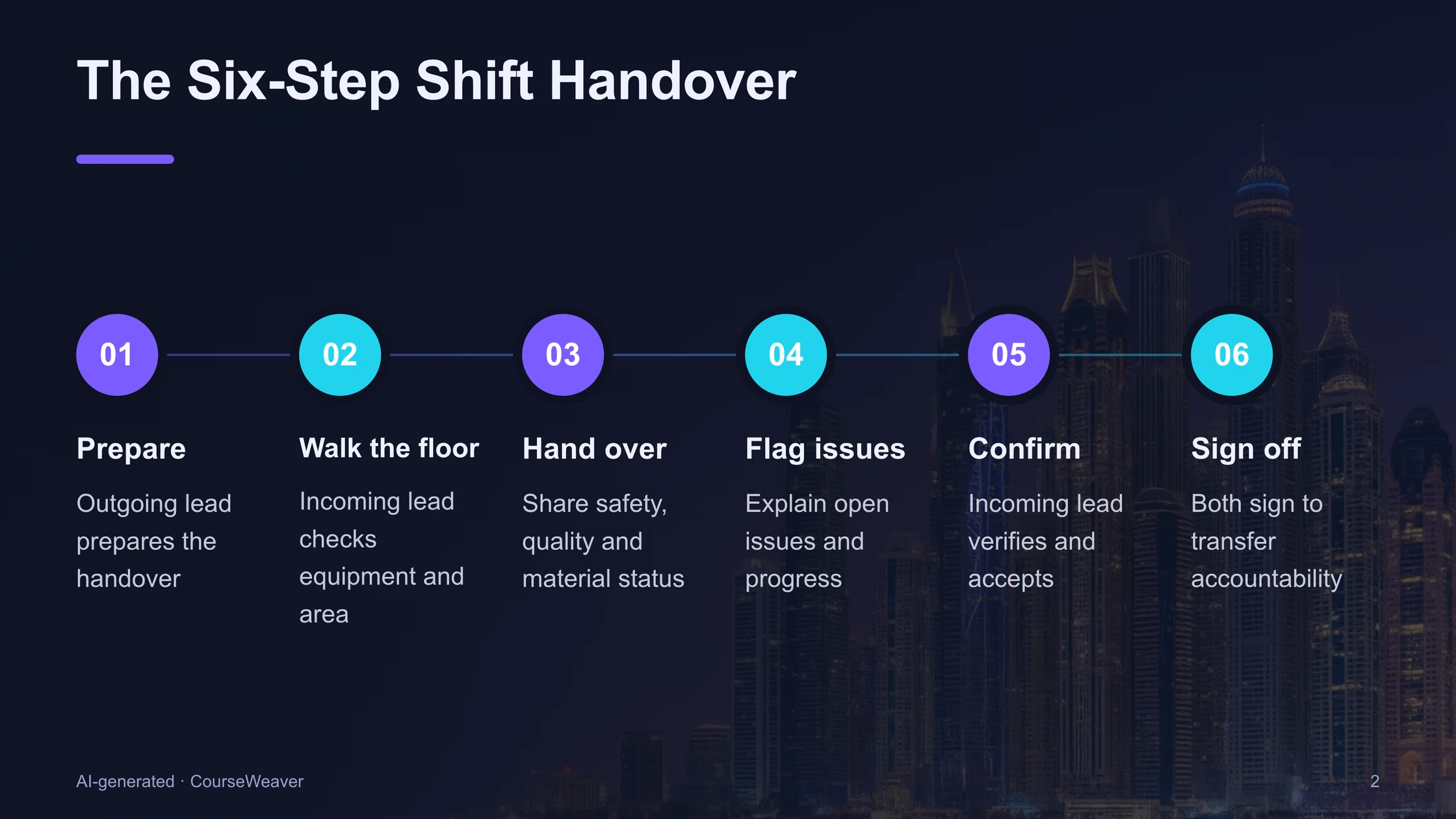
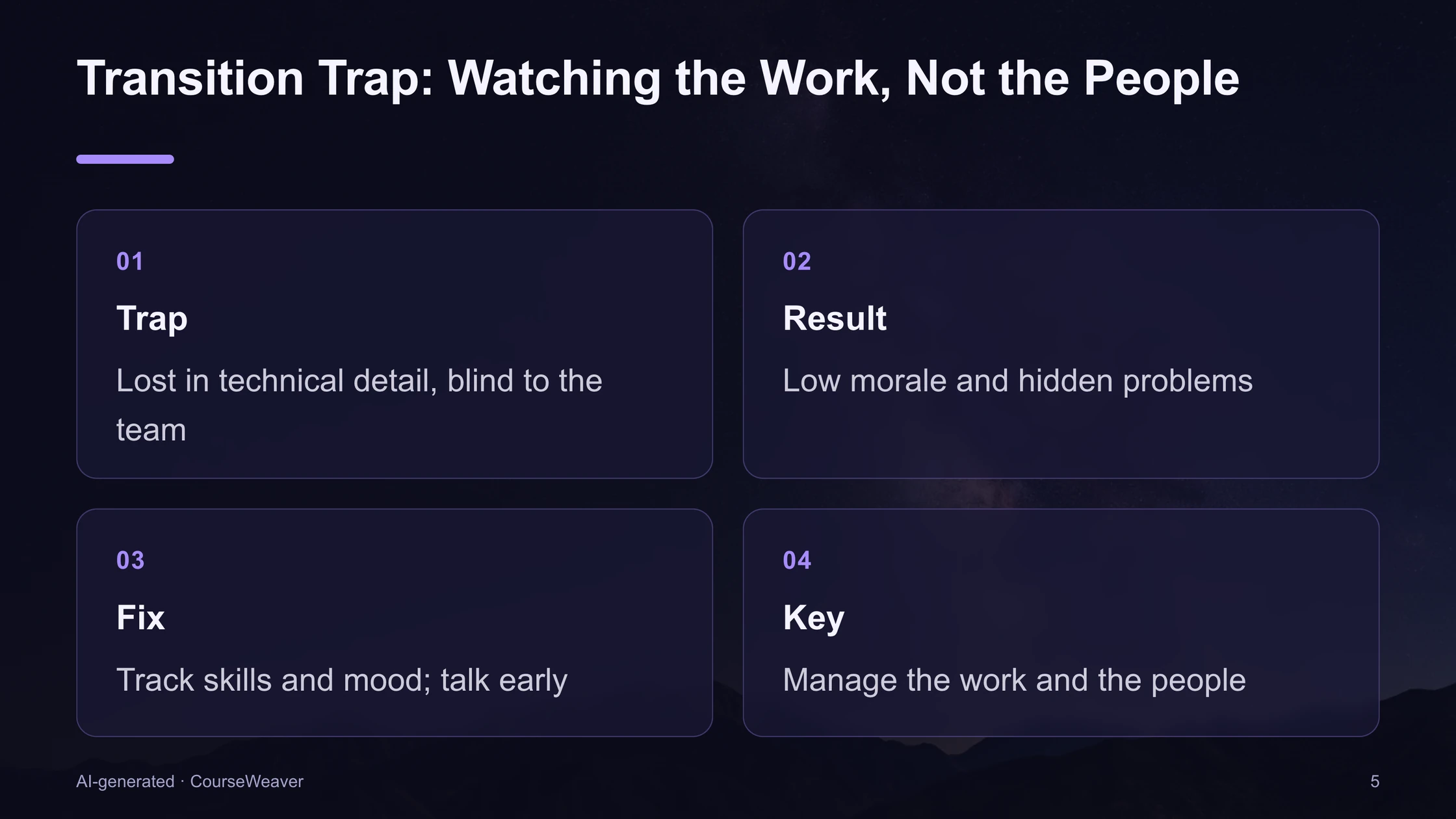
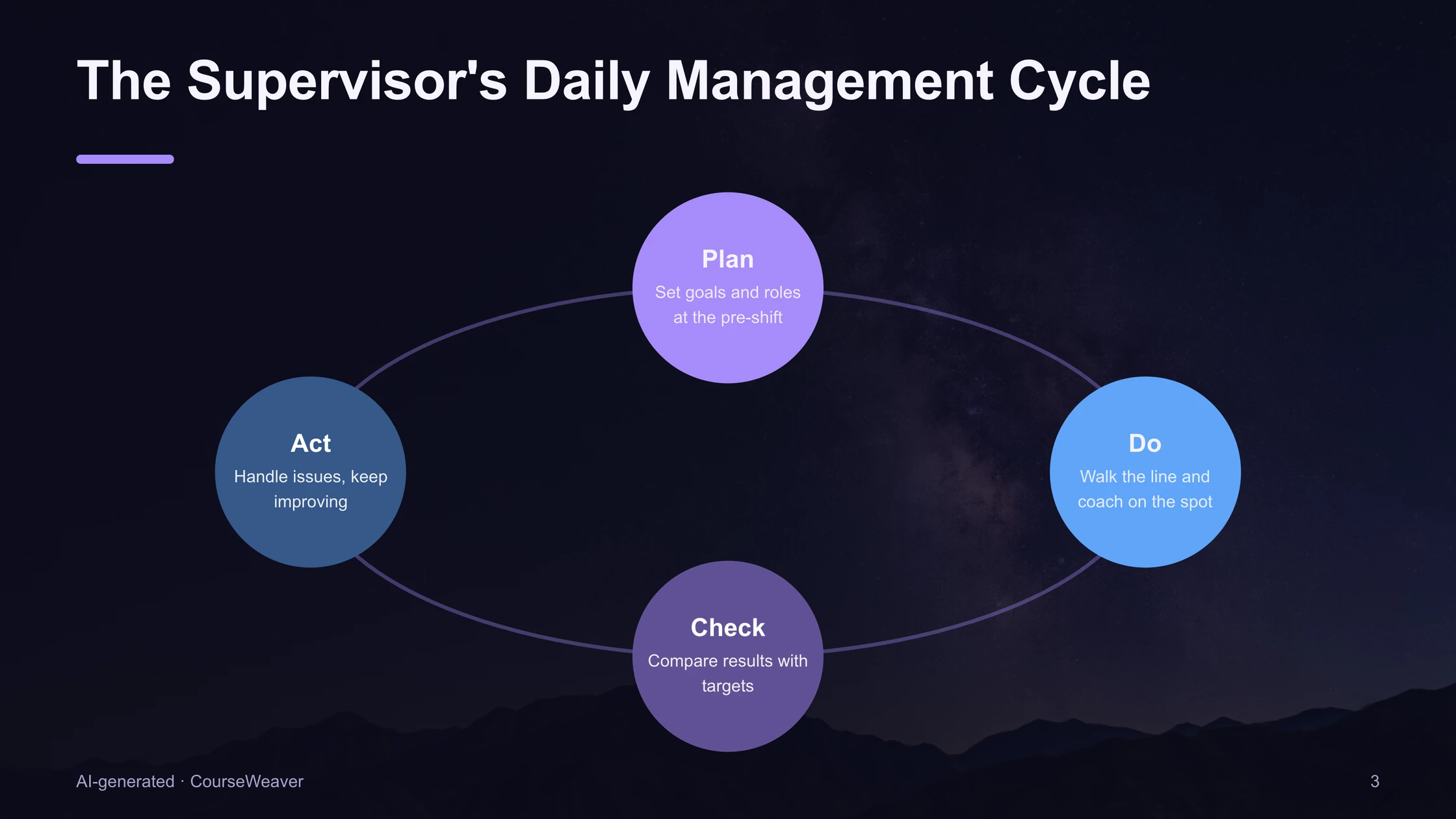
Process, hierarchy, cycle and matrix visuals are native shapes that stay editable in PowerPoint. Images are generated by AI for the content.
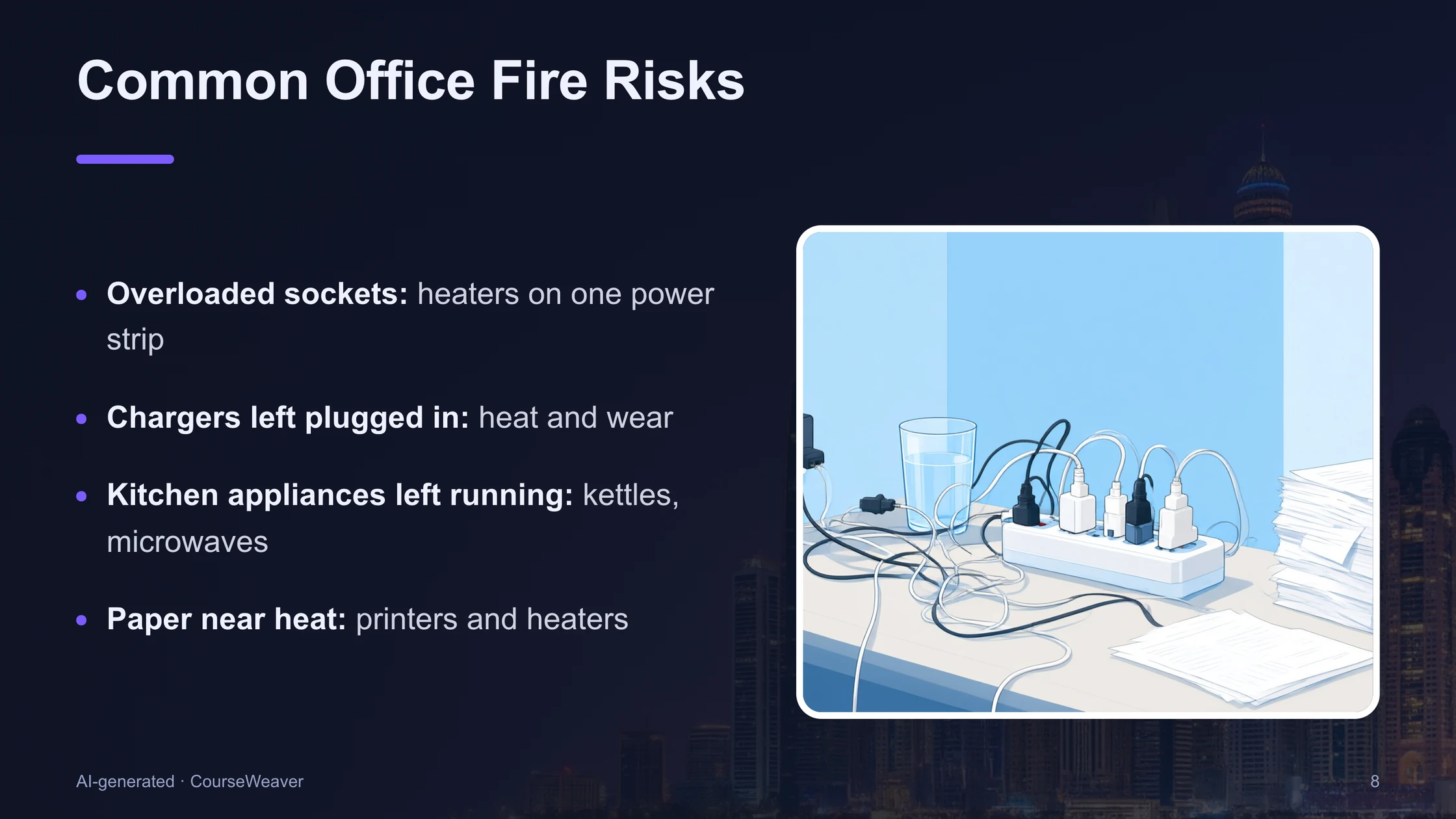
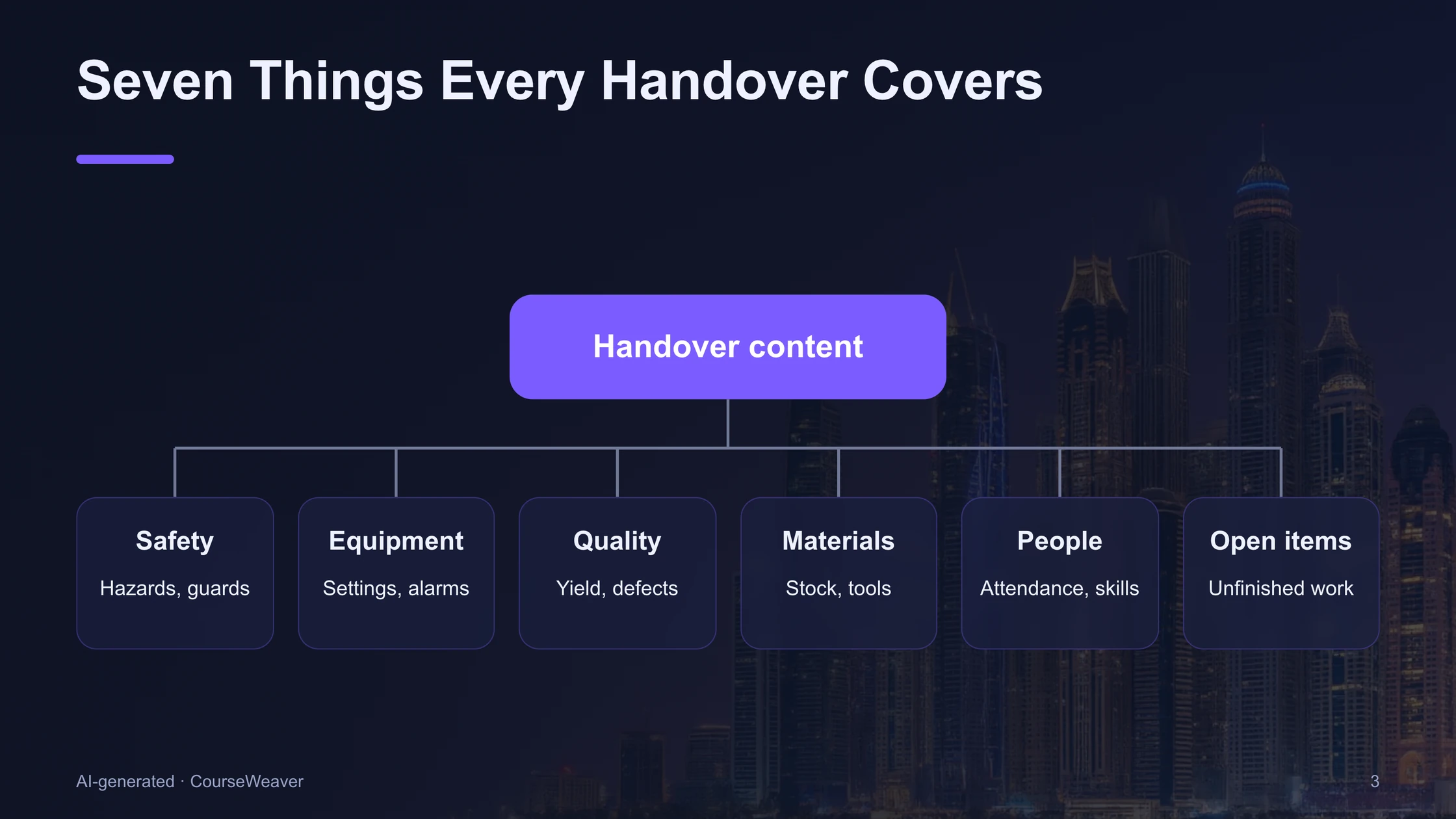
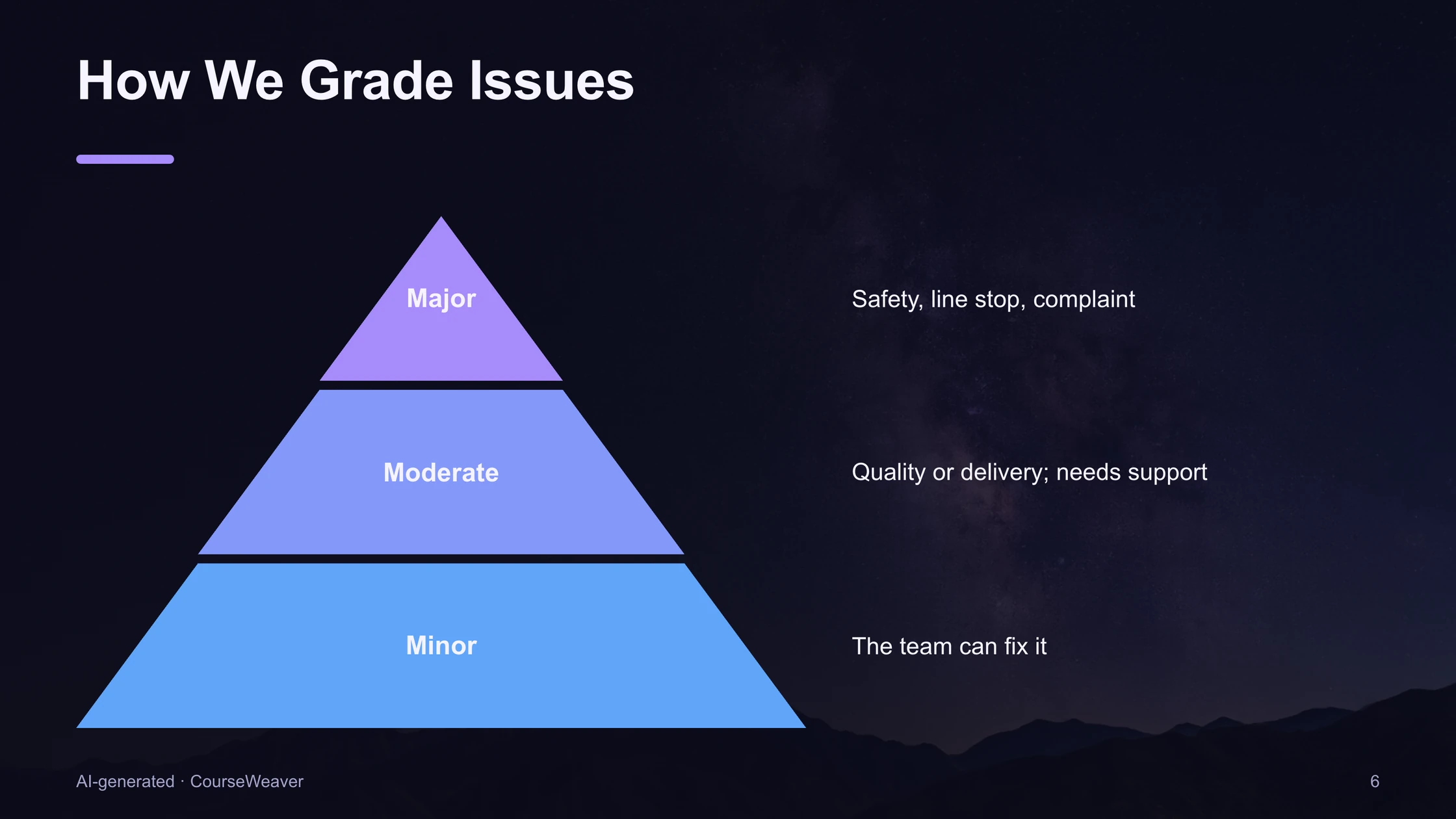
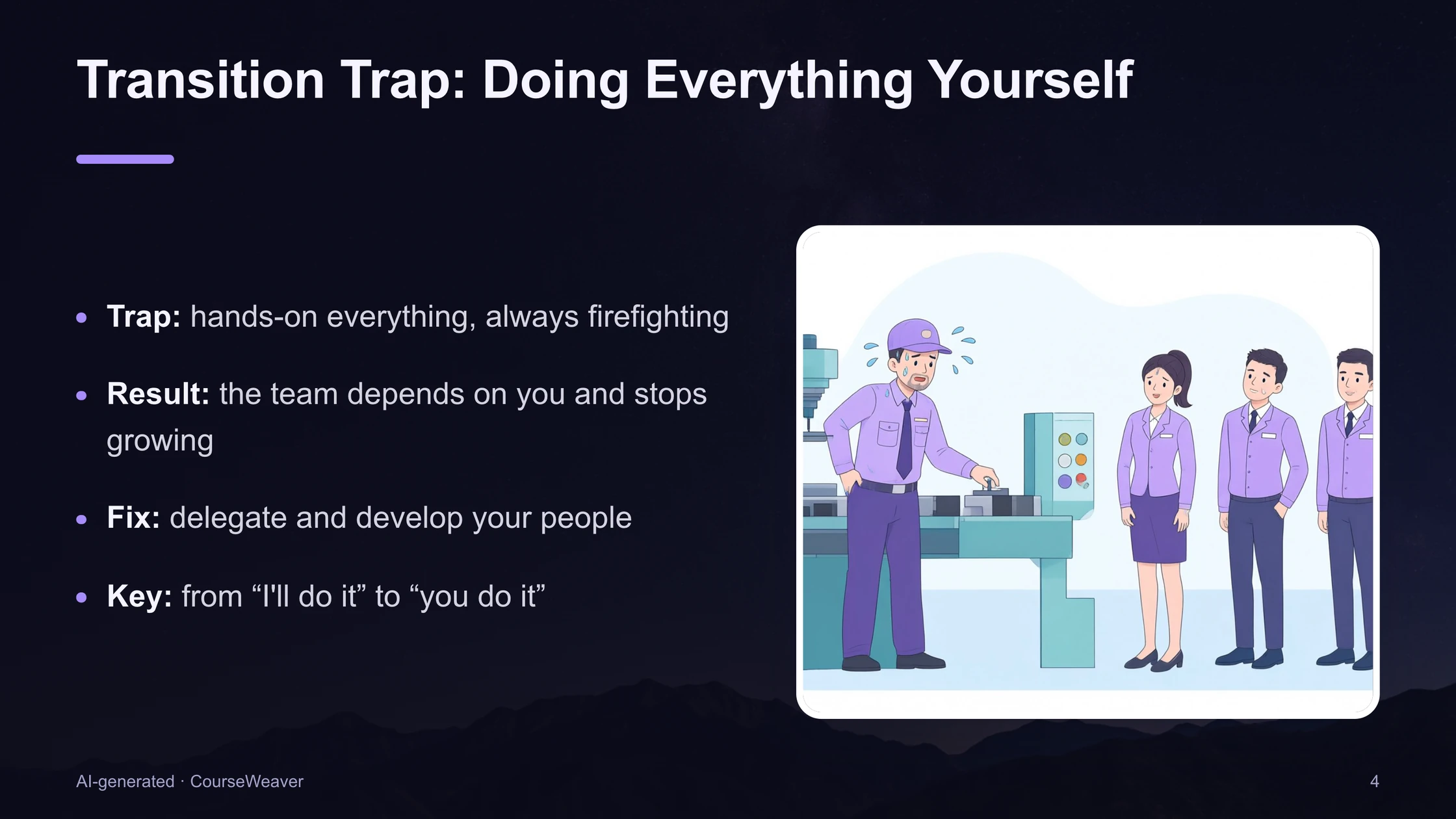
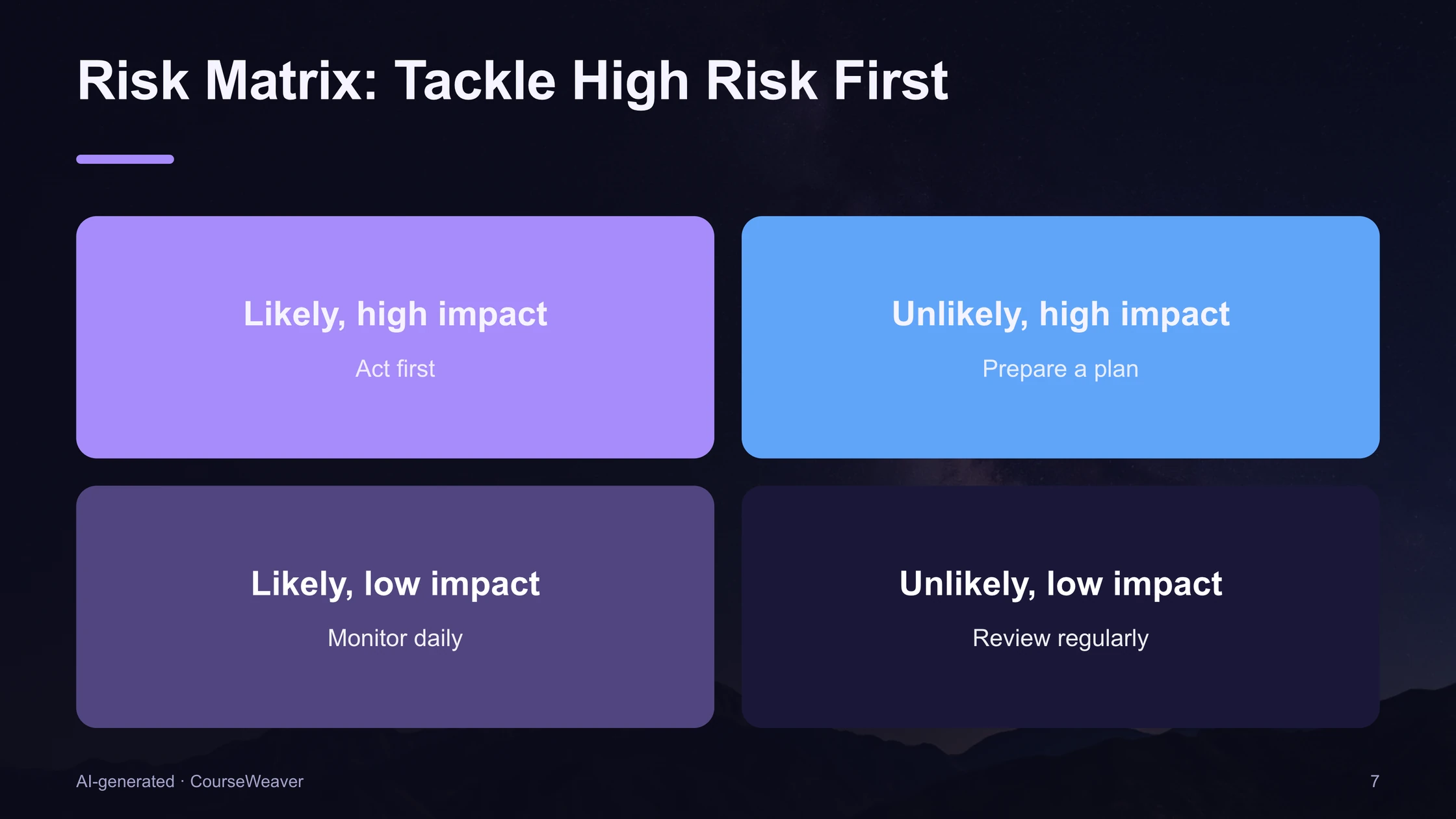
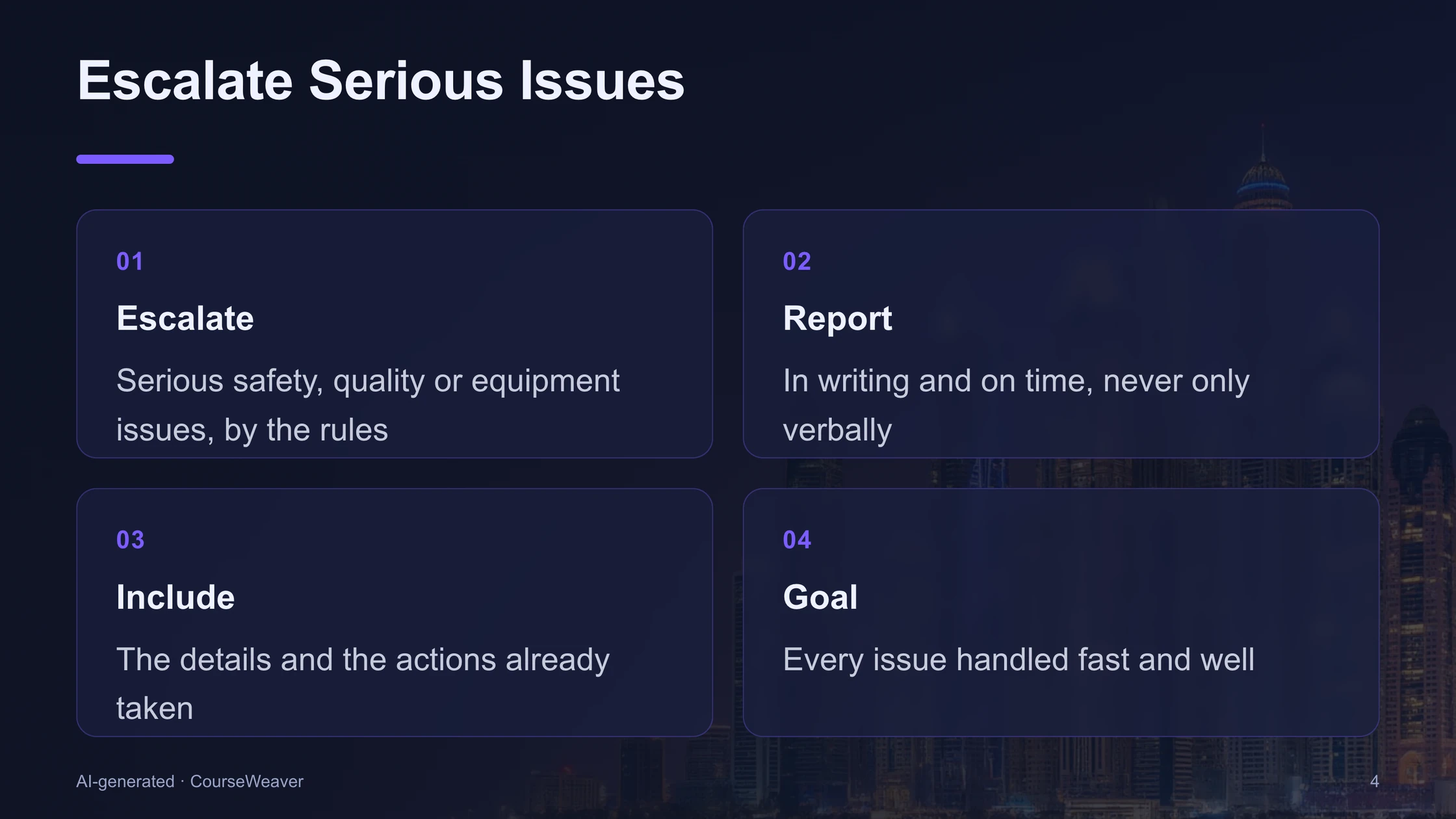

40+ professional and art templates, or your own corporate master. Every slide carries notes and sources; charts and diagrams stay editable.
Minute-by-minute timing, talking points, activity steps and debrief questions.
Key notes, exercises and an action plan, ready to print.
Items mapped to objectives, plausible distractors, explanations.
You spot an issue at handover. What do you do?
Cited to the source passage so experts can verify, not guess.
“Both parties check equipment status, hazards and open items on site, then sign.”
Objectives, timing and activities first: a course with rhythm, not a pile of facts.
Map competencies and a learning path for a role, then build each course.
Design, review, publish; nothing is approved with open comments.
Import .potx/.pptx; fonts, colours, layouts and logo carry over.
For any subject and anyone, on your team's credits.
A full, editable deck from a prompt and your files
Contracts, proposals, reports and more, as Word or PDF
Pictures at the ratio you need
An image + text brochure, as Word or PDF
Word, PPT, Excel, PDF and images, Chinese ⇄ English, format kept
Claude on Amazon Bedrock writes, on servers in the United States, with automatic fallback.
Inputs and outputs checked, re-checked at export, with an audit log.
Slides and files carry AI-generated content labels as required; the mark in the file's properties always stays.
Owner, admin, designer, reviewer, viewer; data isolated per team.
Runs on your own cloud: data stays on your servers, and AI calls go through your own model accounts. See Pricing.
CourseWeaver is an AI studio for corporate learning and talent development teams. Enter the annual business strategy and it generates a talent strategy, finds the capability gaps of key roles, then takes it step by step to the course series, the outline and every course. Upload your company material and get a complete course with source citations: outline and objectives, slides with speaker notes, a facilitator guide, a learner handout and a quiz. You can work top-down (talent strategy → course series → outline → course) or use any step on its own.
Yes. In the online editor you can change text and layouts, insert text boxes, shapes, images and diagrams, move and resize them, and put your team logo on every slide. Slides export as native, editable PowerPoint (text, charts and diagrams stay editable); the facilitator guide, handout, quiz and outline export as Word.
With your material uploaded, slides are grounded in it and each one cites its sources; figures on data slides come only from the material, and slides without a source or with unverifiable numbers are flagged for you to check. Without material, content comes from general knowledge. Either way, have a subject expert review before publishing.
PDF, Word, PowerPoint, TXT and Markdown, such as policies, SOPs, old decks and case studies. Up to 50 files, 95 MB in total. Scanned PDFs need text recognition (OCR) first.
The outline usually takes 1–3 minutes; after you approve it, the slides, notes, guides and quiz typically take a few more minutes, depending on length and illustrations. If you don't need to review the outline first, New course builds the whole course in one go. Deep thinking is more rigorous but much slower. You can leave the page meanwhile; results are kept.
Yes. When you create an outline, upload yours and tick This is my outline. CourseWeaver keeps its modules, lessons, order and timing, polishes the wording and format, and fills in objectives, key points and activities. Download it as a designed Word document for your client to approve, then build the slides and trainer pack in one click.
Yes. Choose the content detail in the brief or on the outline: Concise (fewer slides, less text, short notes), Standard, or Detailed (fuller text on each slide, notes with cases and transitions). Regenerate the slides after changing it.
On this site, everything is processed in the United States: the service runs on Amazon Web Services in N. Virginia, text is written by Anthropic's Claude through Amazon Bedrock, and pictures come from Alibaba Cloud's US (Virginia) region. Data is isolated per team, with owner, admin, designer, reviewer and viewer roles, and inputs and outputs pass a content-safety check. See the privacy policy. The Enterprise edition can also run on your own cloud, with your own model accounts.
After you sign up and confirm your email, the Free plan gives you 2,000 credits to try a full course. After that, credits are charged by actual AI usage; subscribe to Plus, Pro or Team, or buy a credit pack. Prices are in US dollars on the Pricing page.
Yes. From the Plus plan you can upload your company template, and slides follow its colours, fonts, logo and layouts. Every plan can put the team logo on each slide and choose from the built-in themes.
Courses and Tools content can be written in English, Spanish, French, German, Portuguese or Chinese. Choose the language on each brief; English is the default.
The Team plan has up to 10 members sharing credits, with roles: designers build courses, reviewers request changes and approve, then the course is published. Enterprise plans add members and credits as needed.
Tools offers five general AI tools for any subject: a full presentation from a prompt and files (up to 100 slides); contracts, proposals, reports and other documents as Word or PDF; images at several ratios, saved in one click; image + text brochures, exported to Word or PDF; and translation of Word, PowerPoint, Excel, PDF, text or image files between Chinese and English, keeping the format. They share your team's credits.
2,000 free credits on signup, enough for a whole course. Create a team, invite colleagues, and go from talent strategy to published courses together.
Create a free team